 AI Meme Tools
Tutorials
Step-by-step guides to creating and editing images and videos with AI Meme Tools.
Genjutsu guides2026/10/08
Genjutsu Motion Transfer or Object Swap: choose your starting point
Choose a mode by the change you want, prepare a comparison checklist, and reuse a complete preset in the Genjutsu workspace.
Genjutsu guides2026/10/08
Map multiple Genjutsu characters to ordered references
Number characters by their starting positions, map each image to a role, and review overlaps and crossings in the source clip.
Genjutsu guides2026/10/08
Genjutsu queued requests, cancellation and result review
Understand pending requests and cancel confirmation, avoid duplicate submission after a timeout, and review a completed remix.
Genjutsu guides2026/10/08
Prepare Genjutsu character, outfit and product references
Build a clear reference set, distinguish subject and scene roles, and inspect imported inputs before your next remix.
Genjutsu guides2026/10/08
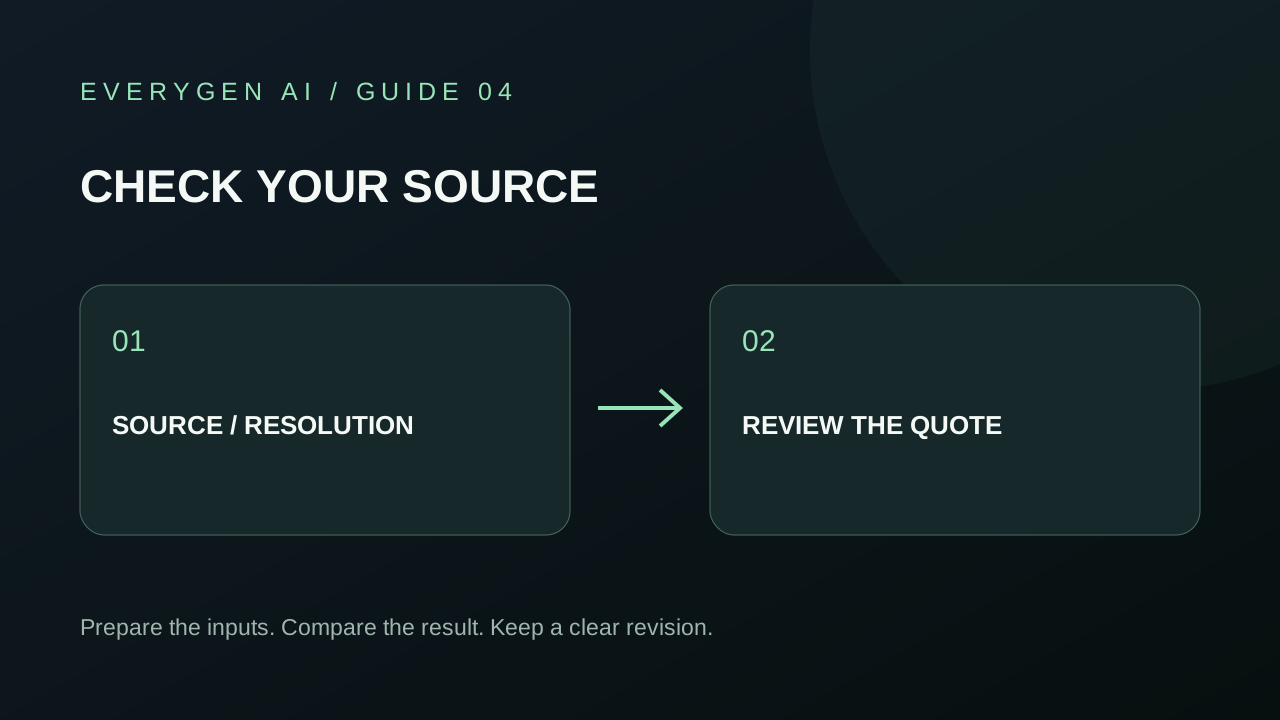
Check your Genjutsu source video, resolution and credit quote
Review source duration, Object Swap frame size, reference count and the quoted credits before submitting a Genjutsu request.
Tutorial2026/10/03
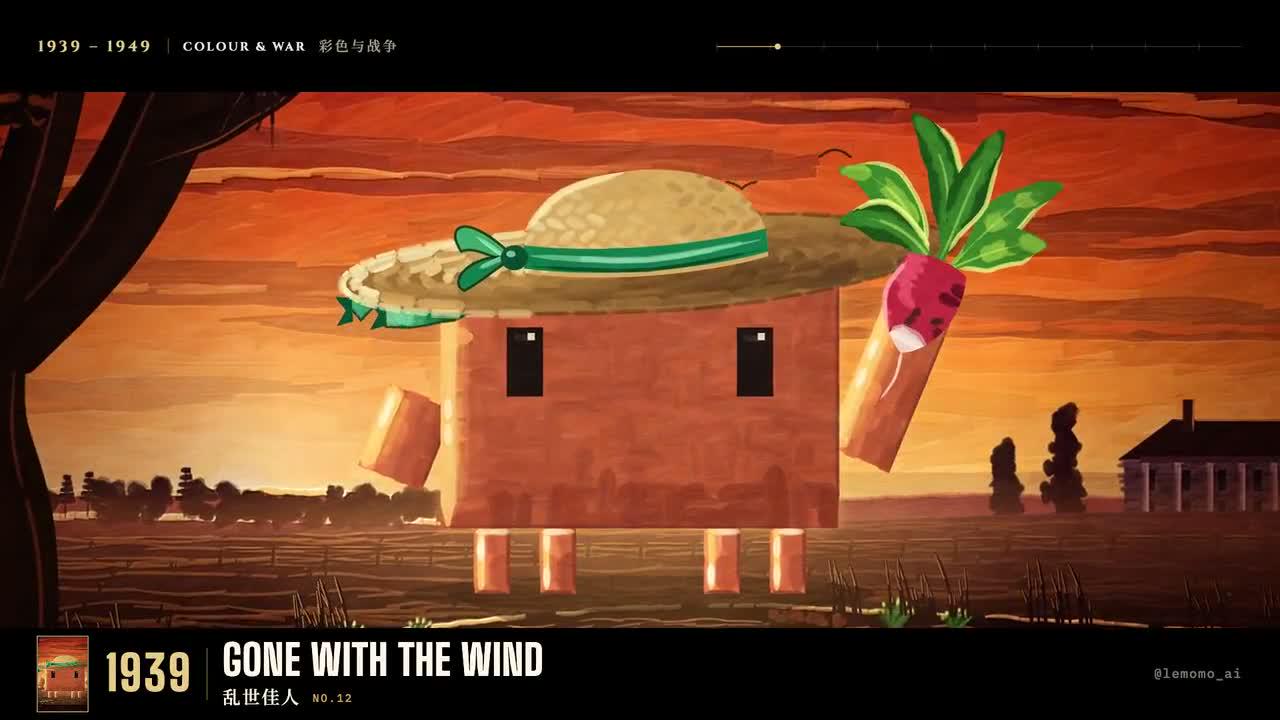
AI Meme Tools Opus 5.5 Guide: Best Picture Timeline
Study the illustrated Best Picture timeline with AI Meme Tools. Inspect the reference source, timing, captions, and history checks before planning a motion project.
Tutorial2026/10/03
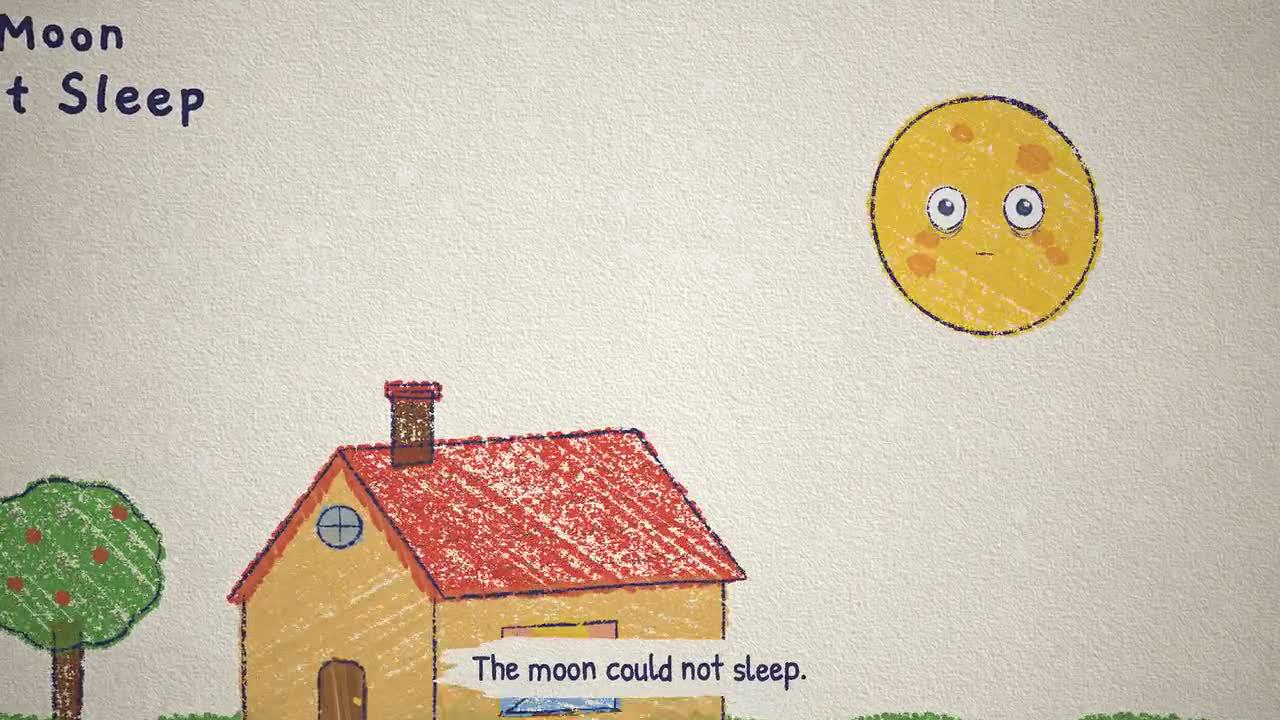
AI Meme Tools Opus 5.5 Guide: Crayon Picture-Book Motion
Study a crayon picture-book film with AI Meme Tools. Review its story, source code, narration, and visual rhythm before planning a separate motion project.
Tutorial2026/10/03
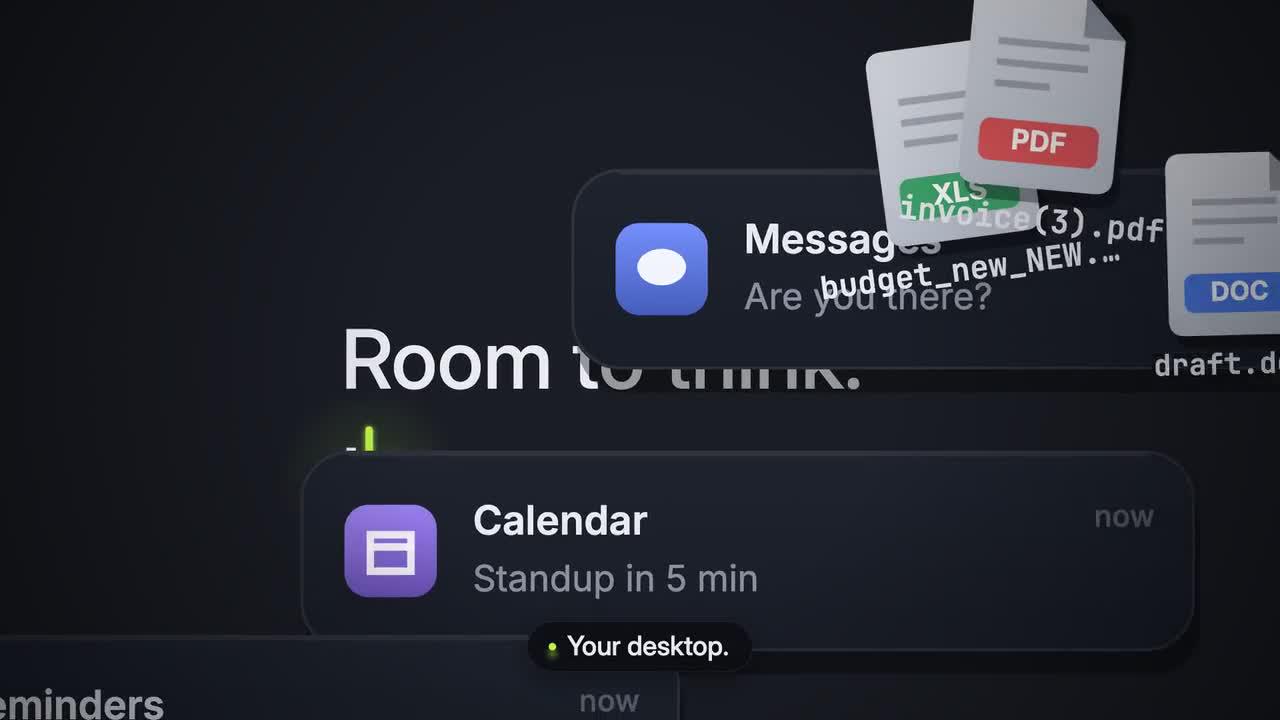
AI Meme Tools Opus 5.5 Guide: Dark Tech Launch Film
Study the fictional Tidy launch film with AI Meme Tools. Review animated windows, type, source timing, and sound while distinguishing reference code from the web tool.
Tutorial2026/10/03
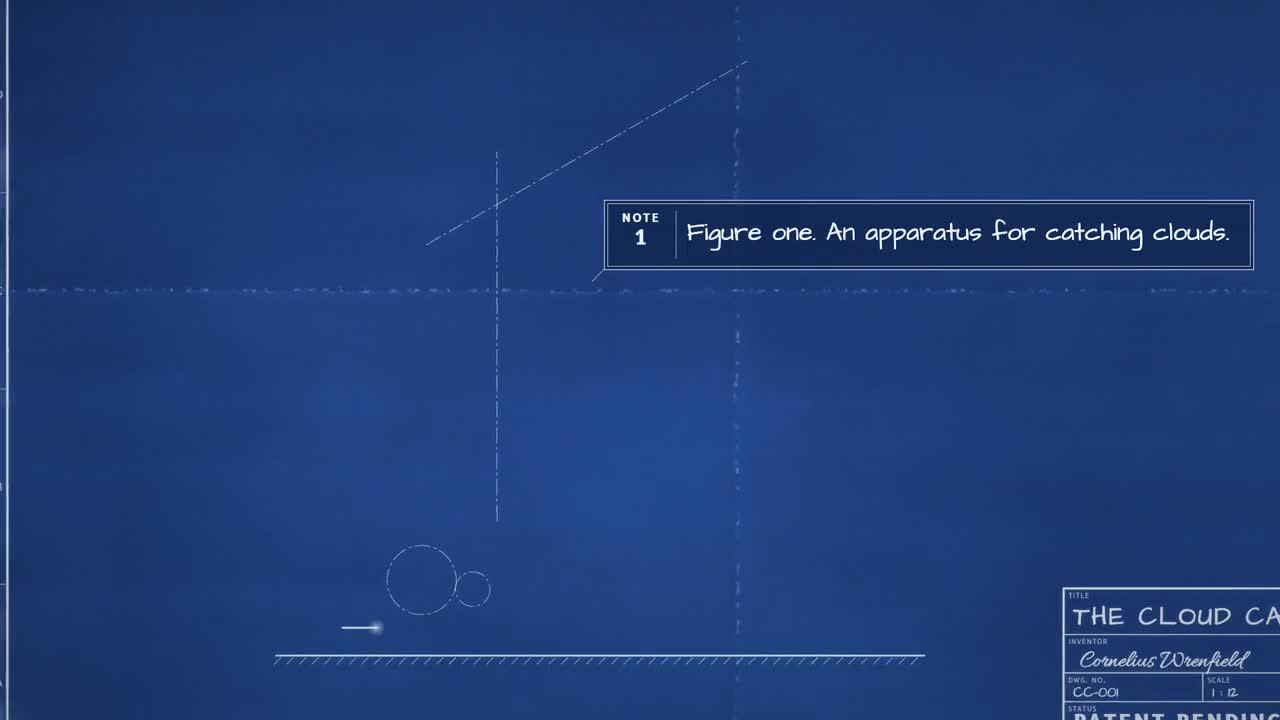
AI Meme Tools Opus 5.5 Guide: Exploded Blueprint Motion
Study an exploded engineering blueprint with AI Meme Tools. Trace the fictional machine, component staging, labels, and motion checks to the supplied reference source.

Tutorial2026/10/03
AI Meme Tools Opus 5.5 Guide: Glass Earbud Product Film
Study the fictional Aura earbud film with AI Meme Tools. Review glass, unboxing, exploded views, lighting, and source-based checks before planning your own project.
Tutorial2026/10/03
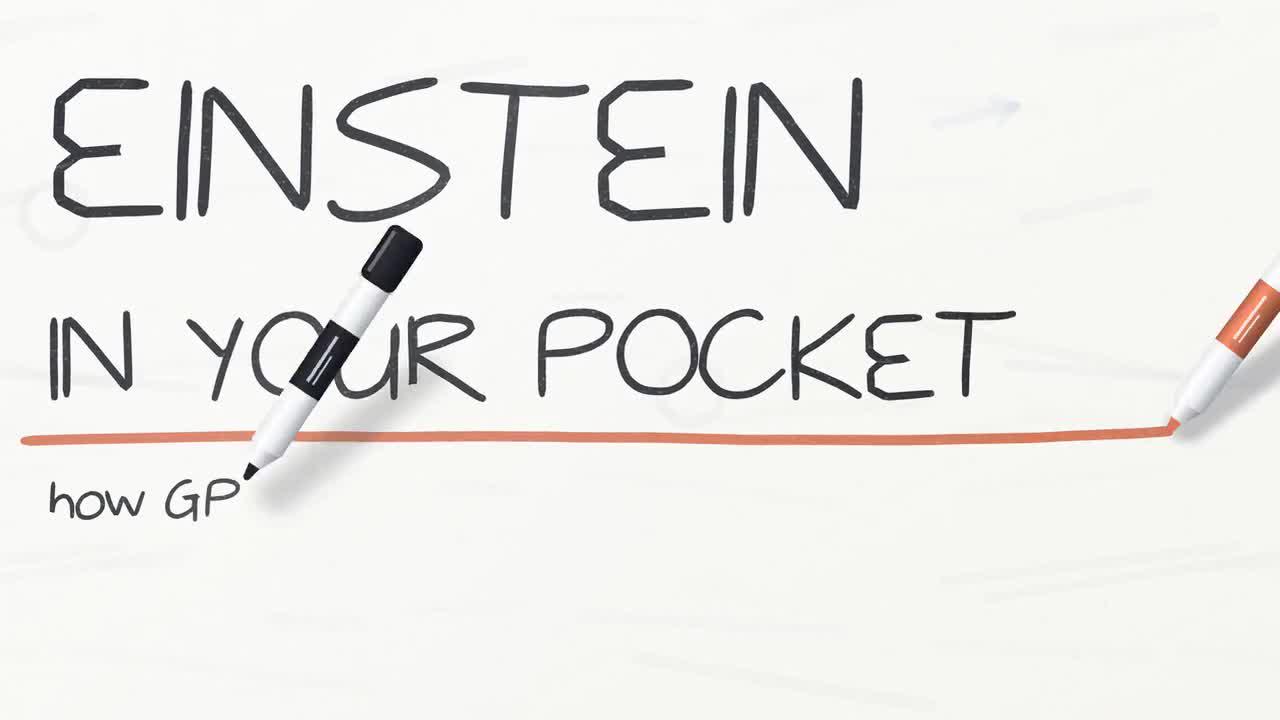
AI Meme Tools Opus 5.5 Guide: GPS Whiteboard Animation
Study the GPS whiteboard animation with AI Meme Tools. Review diagrams, narration, source timing, and scientific claims before planning an explainer motion project.

Tutorial2026/10/03
AI Meme Tools Opus 5.5 Guide: Isometric Coffee Journey
Study an isometric bean-to-cup film with AI Meme Tools. Inspect the supplied source, scene transitions, labels, and movement before planning a motion project.
Tutorial2026/10/03
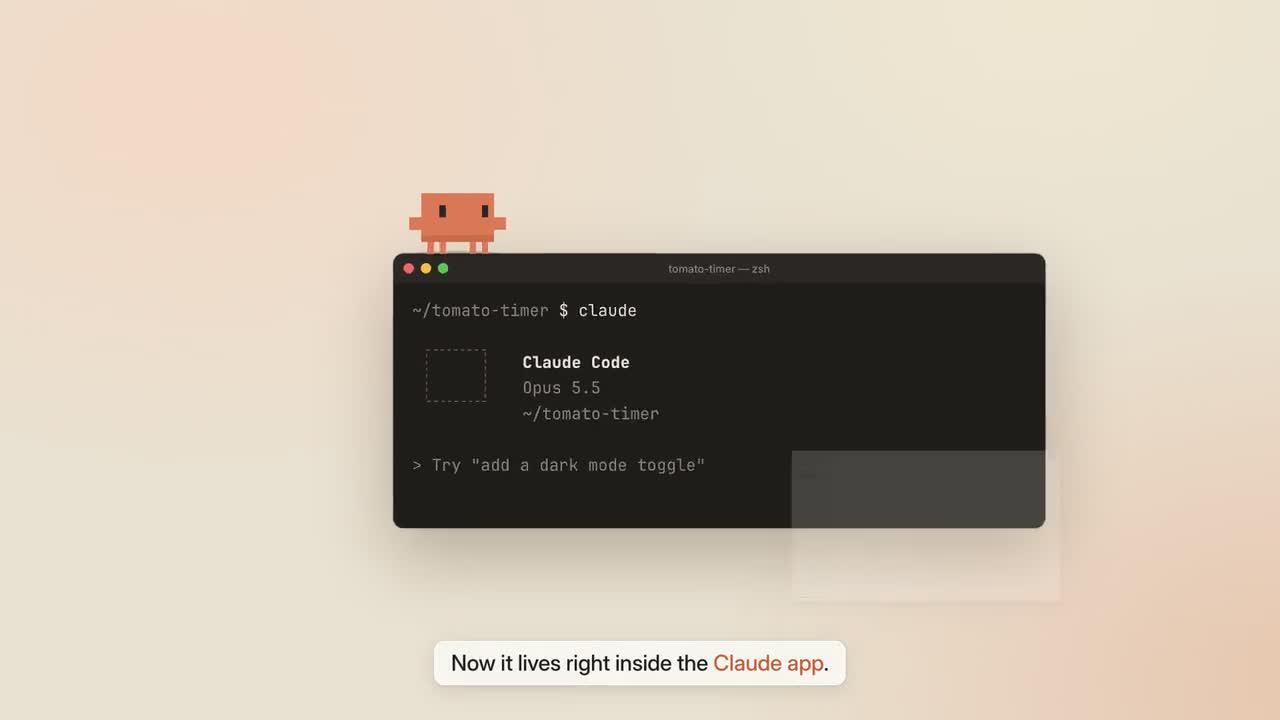
AI Meme Tools Opus 5.5 Guide: Living Screencast
Study a living screencast with AI Meme Tools. Review Clawd, terminal windows, the Claude App, and source timing while separating a reference study from a verified run.
Tutorial2026/10/03
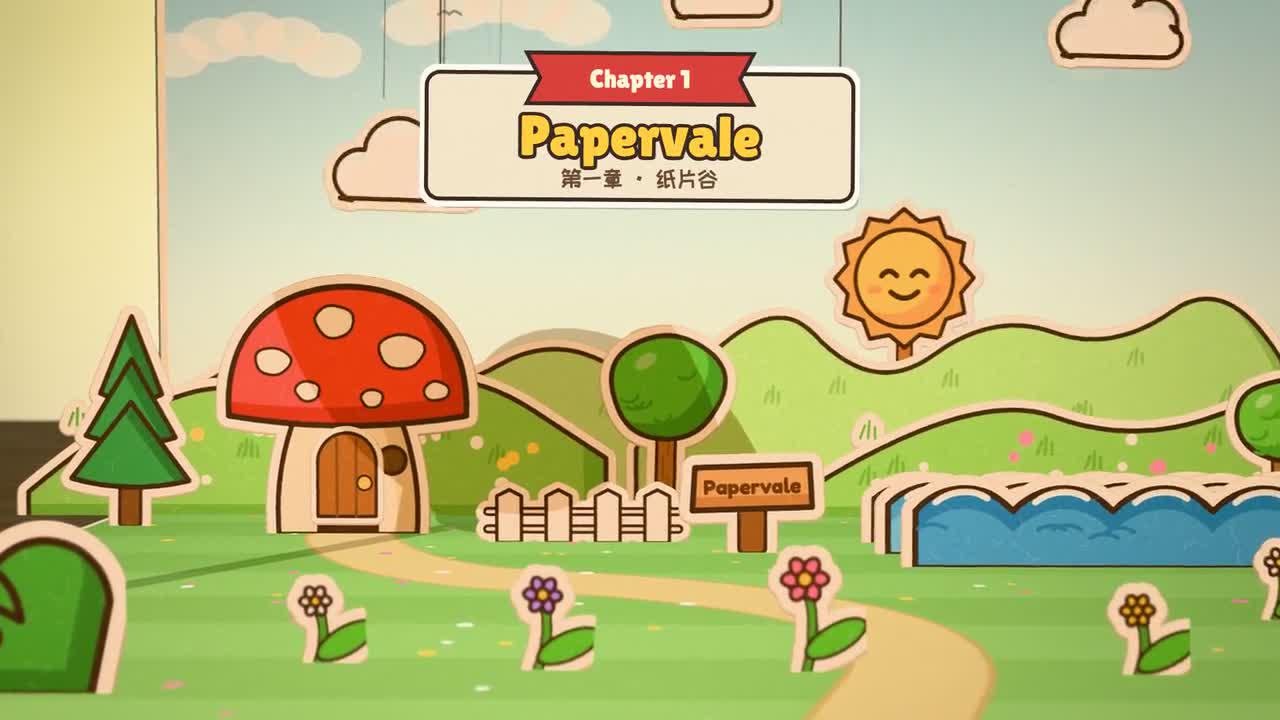
AI Meme Tools Opus 5.5 Guide: Pop-Up Book Adventure
Study a pop-up book adventure with AI Meme Tools. Review page mechanics, camera movement, narration, and source-based checks before planning a motion project.
Tutorial2026/10/03
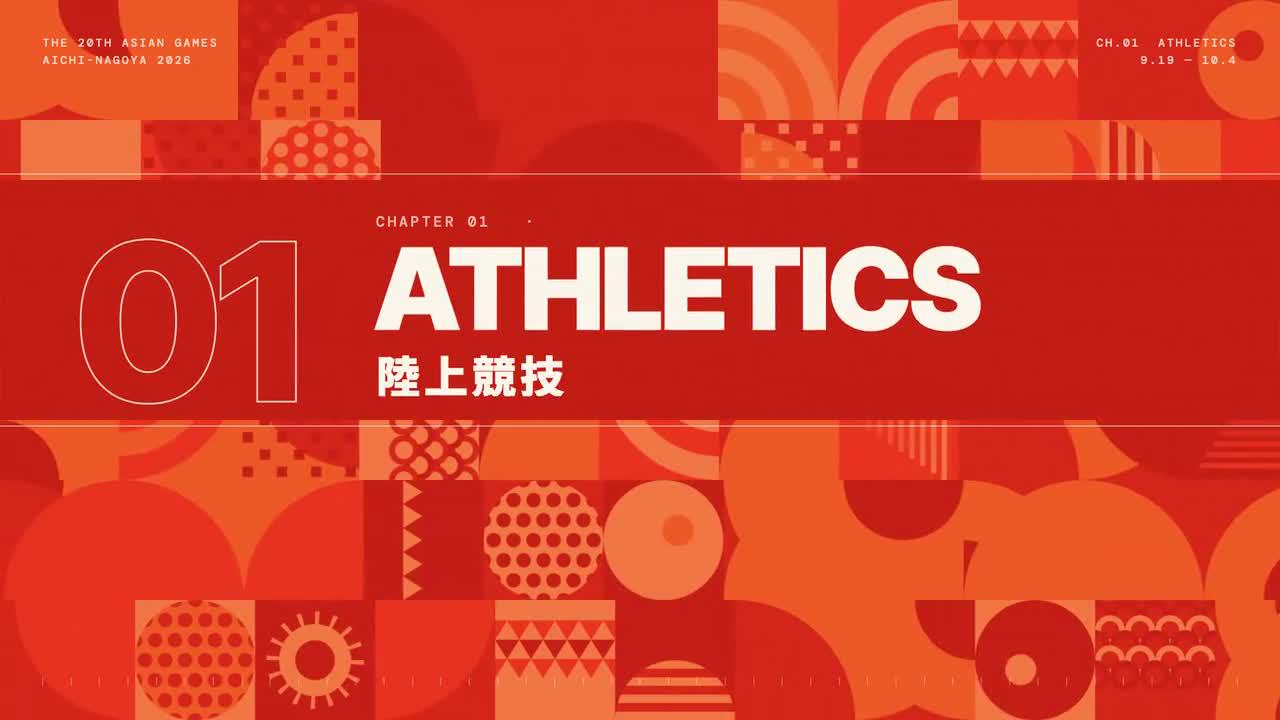
AI Meme Tools Opus 5.5 Guide: Sports Pictogram Motion
Study beat-synced sports pictograms with AI Meme Tools. Review source shapes, timing, captions, and music cues before planning your own geometric motion project.
Tutorial2026/10/03
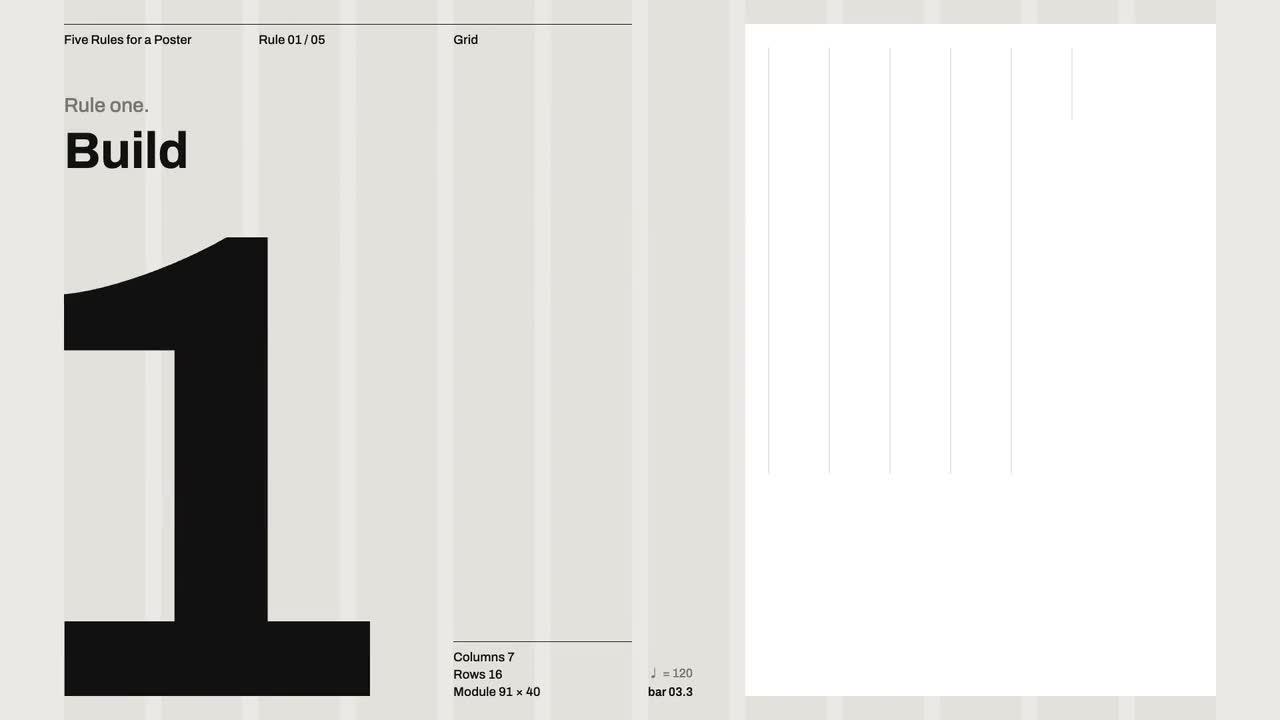
AI Meme Tools Opus 5.5 Guide: Swiss Design Poster Motion
Study a Swiss design poster animation with AI Meme Tools. Inspect the grid, typography, motion sequence, and source checks before planning a concert-poster project.
Tutorial2026/10/03
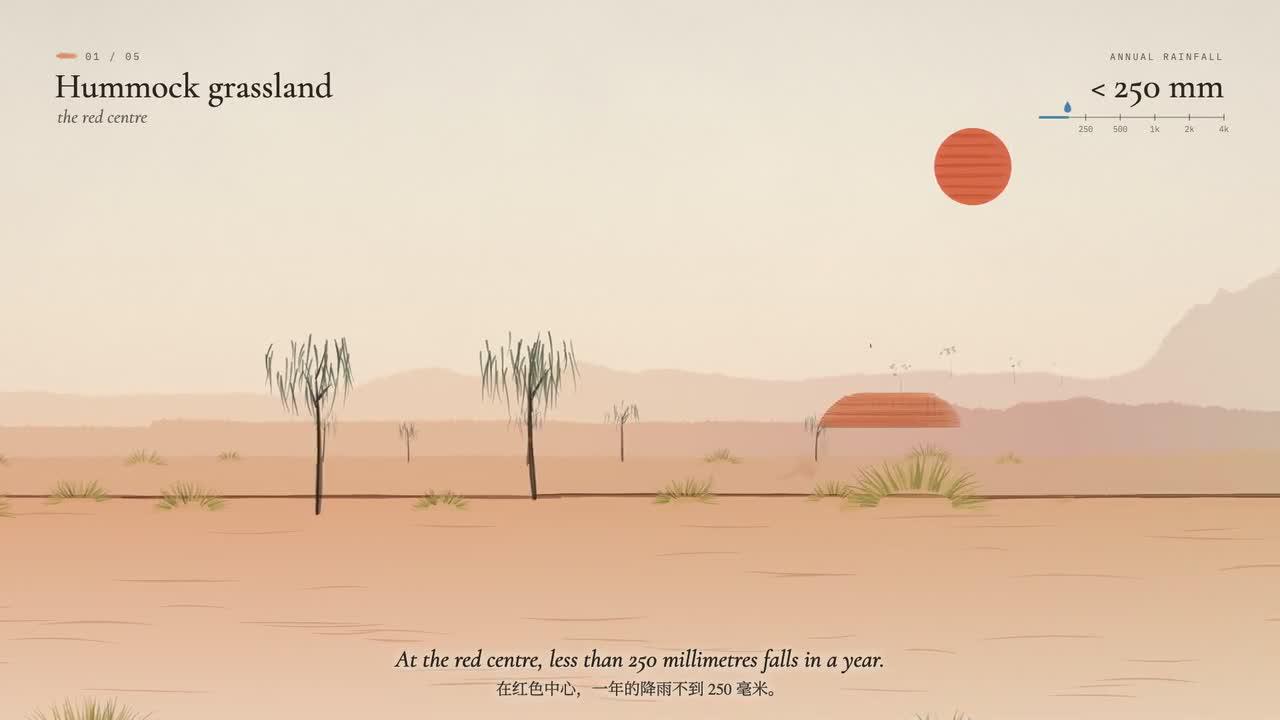
AI Meme Tools Opus 5.5 Guide: Watercolor Rain Film
Study a watercolor rain film with AI Meme Tools. Review vegetation, source scenes, narration, and timing before planning a separate atmospheric motion project.

Tutorial2026/09/29
AI Meme Tools Brand Kit: GPT-Image-2 Concept to Handoff
Plan a small-business brand kit with AI Meme Tools. Review the logo, color targets, typography, packaging, and social assets before preparing final files.
Tutorial2026/09/28
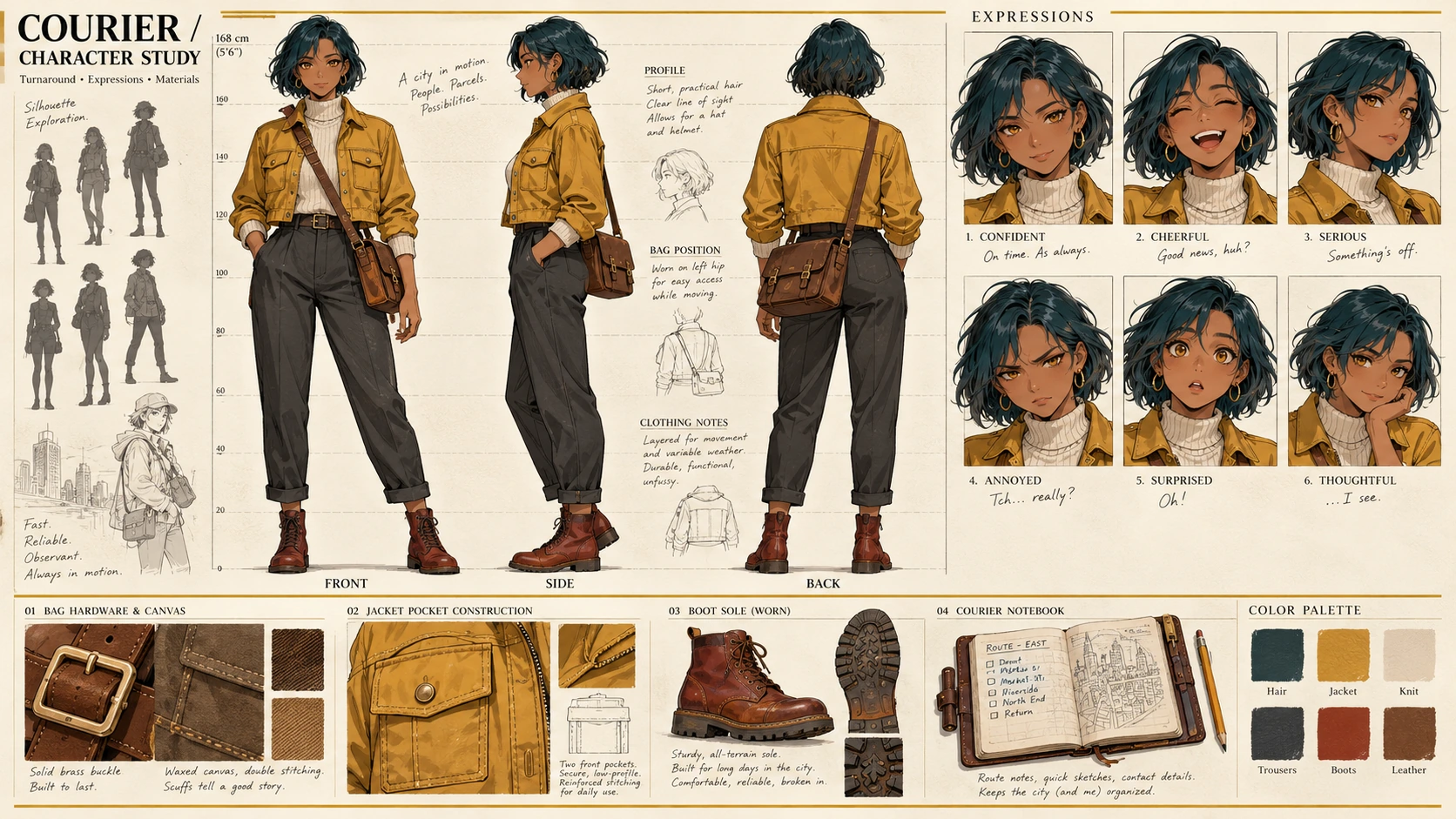
AI Meme Tools Character Sheet: GPT-Image-2 Views and Expressions
Create an anime character reference sheet with AI Meme Tools. Check front, side, and back views, expressions, bag placement, and consistent design details.
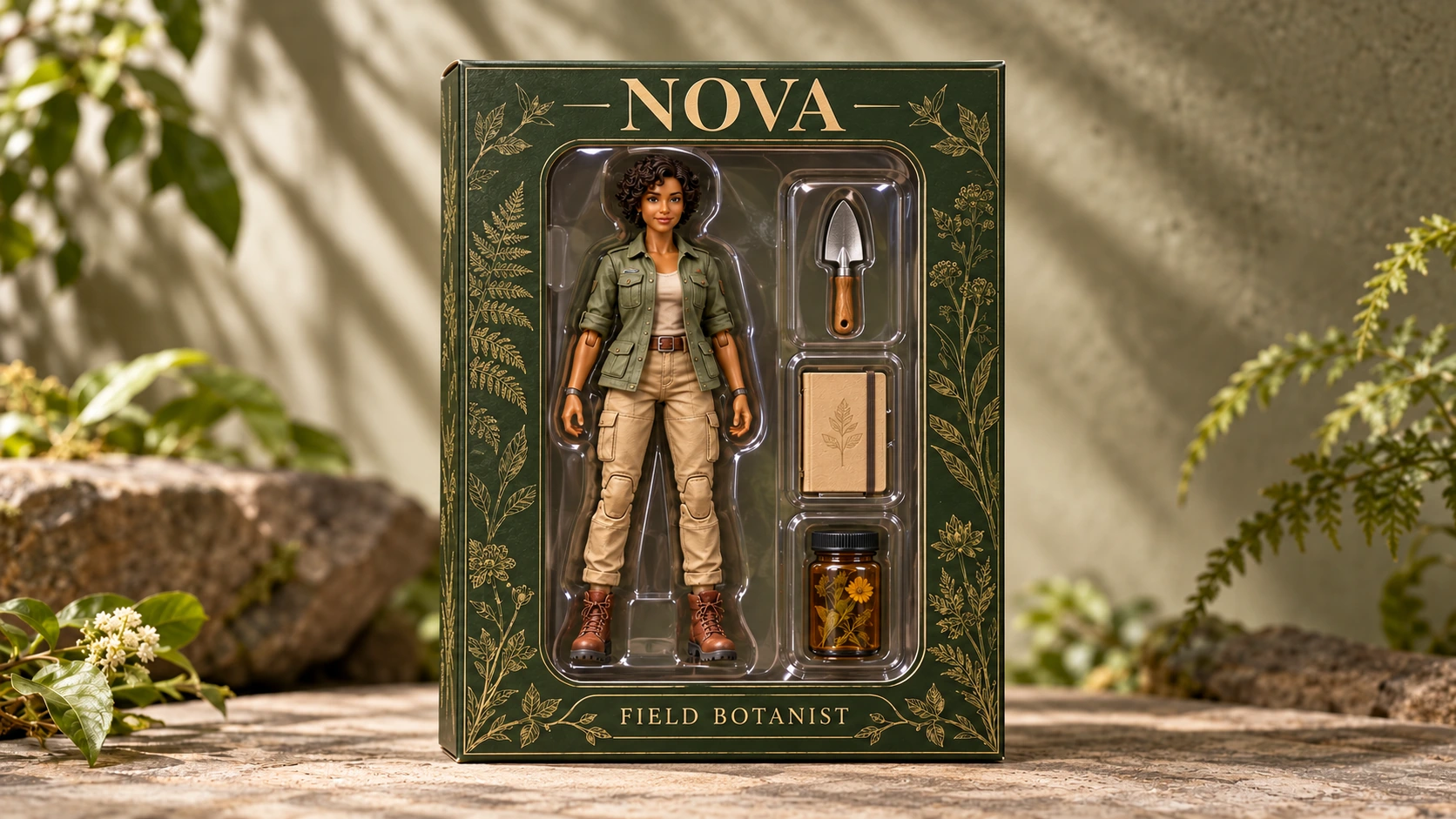
Tutorial2026/09/26
AI Meme Tools Action Figure Guide with GPT-Image-2
Plan an action figure concept with AI Meme Tools. Check the figure, blister pack, accessories, exact labels, and visual references before accepting a draft.
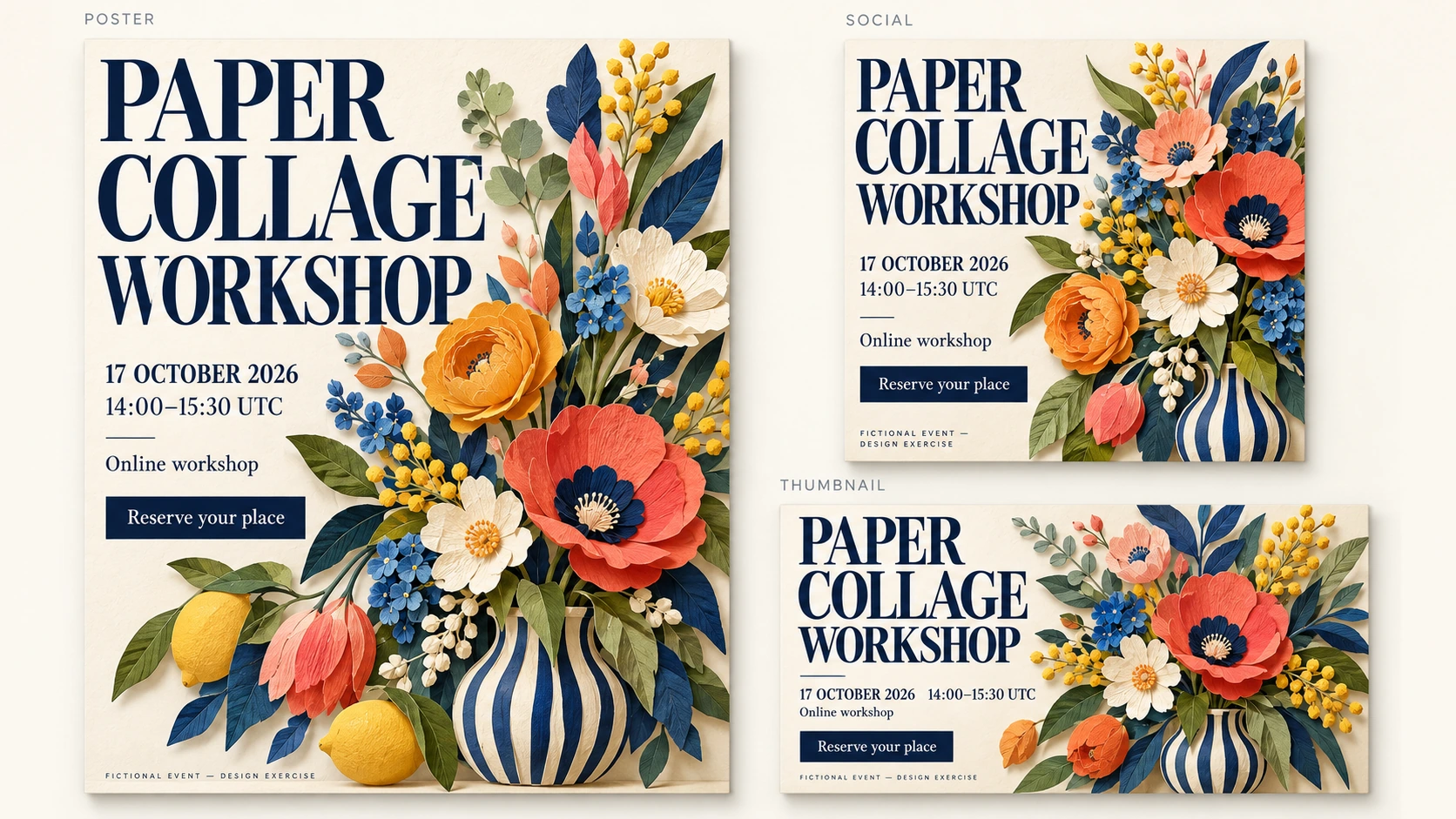
Tutorial2026/09/25
AI Meme Tools Poster Guide: Accurate Text with GPT-Image-2
Build a marketing poster concept with AI Meme Tools. Keep event details exact, check spelling and layout, and prepare social covers and video thumbnails.
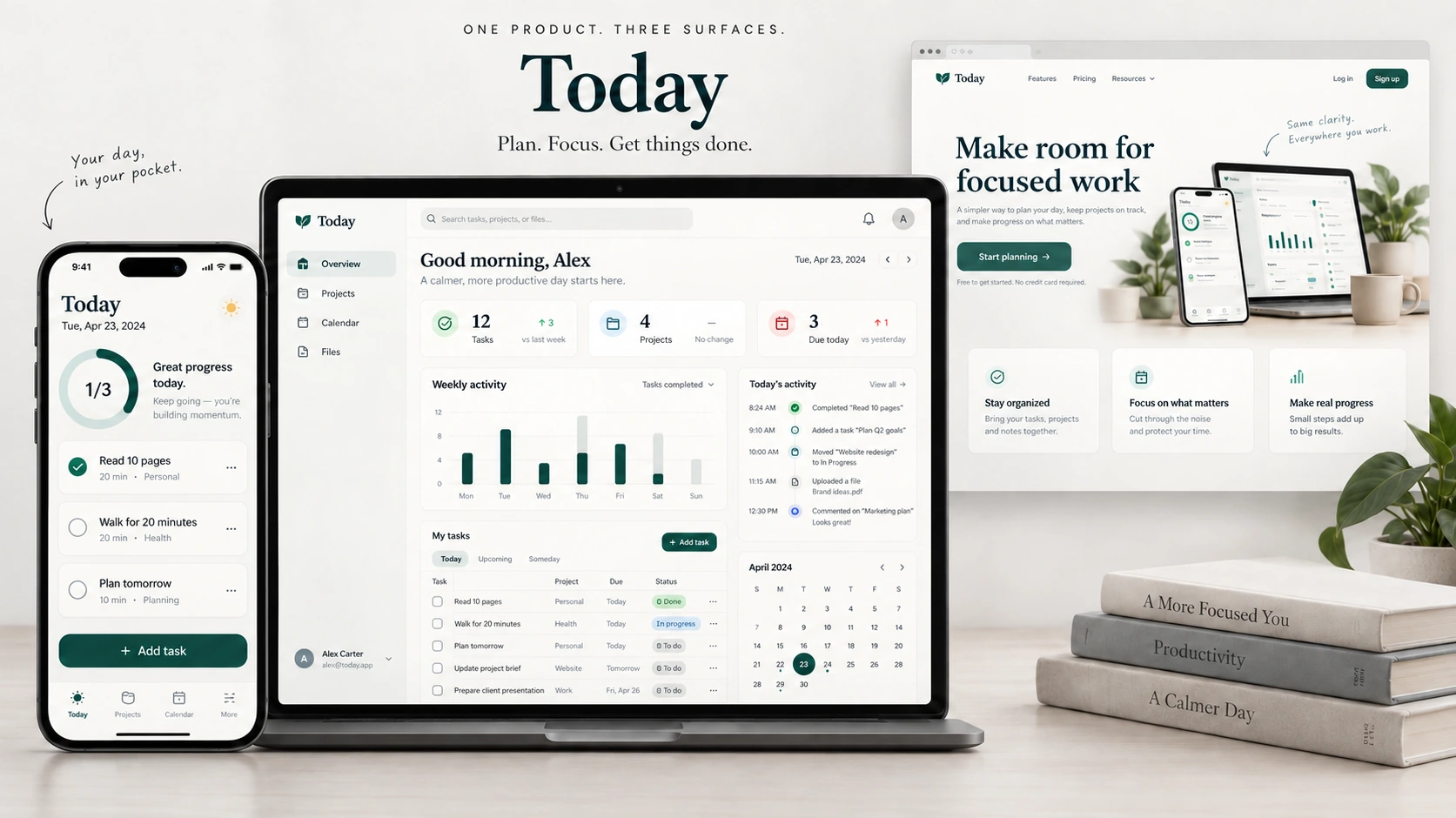
Tutorial2026/09/23
AI Meme Tools UI Mockups with GPT-Image-2: Static Concept Guide
Explore app and web UI concepts with AI Meme Tools. Review screen layout, text, and visual hierarchy while separating a static mockup from working software.
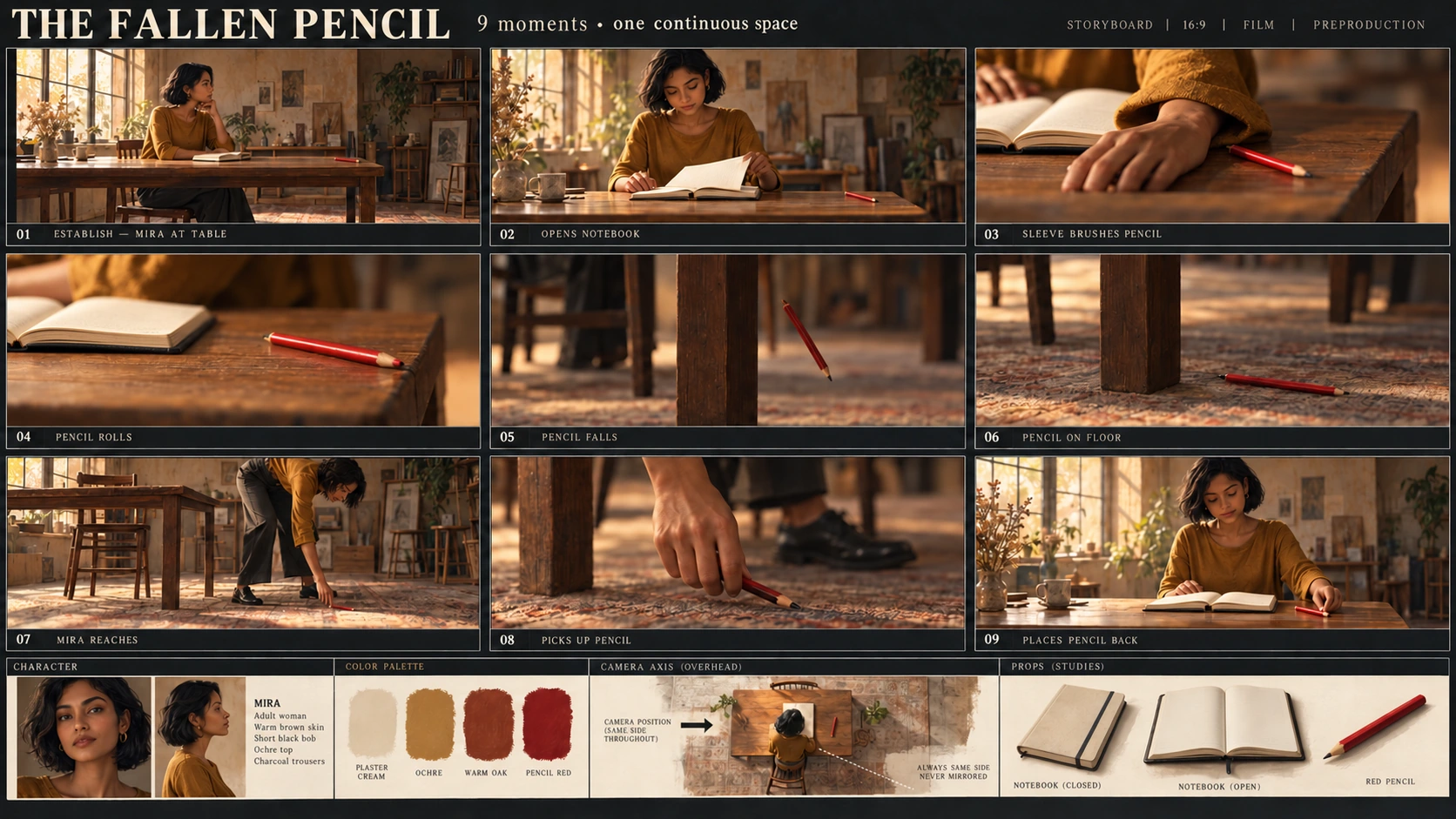
Tutorial2026/09/21
AI Meme Tools Storyboard Guide: Nine Panels with GPT-Image-2
Plan a nine-panel storyboard with AI Meme Tools. Define the shot sequence, check character and prop continuity, and use the supplied prompt as a starting brief.
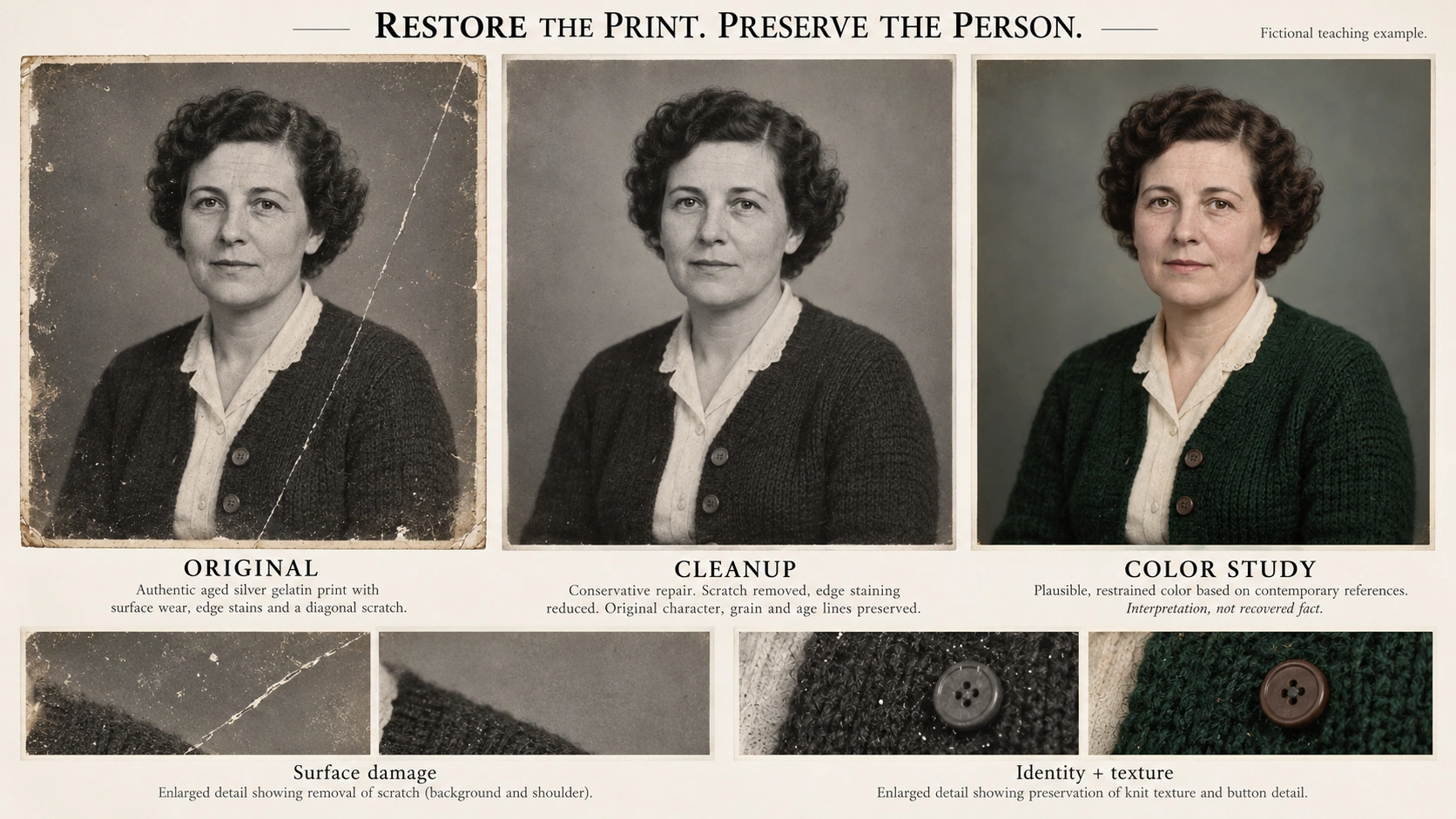
Tutorial2026/09/19
AI Meme Tools Photo Restoration Guide with GPT-Image-2
Use AI Meme Tools to explore old-photo cleanup. Review scratches, detail, and colorization while preserving the source and checking changes to faces and evidence.
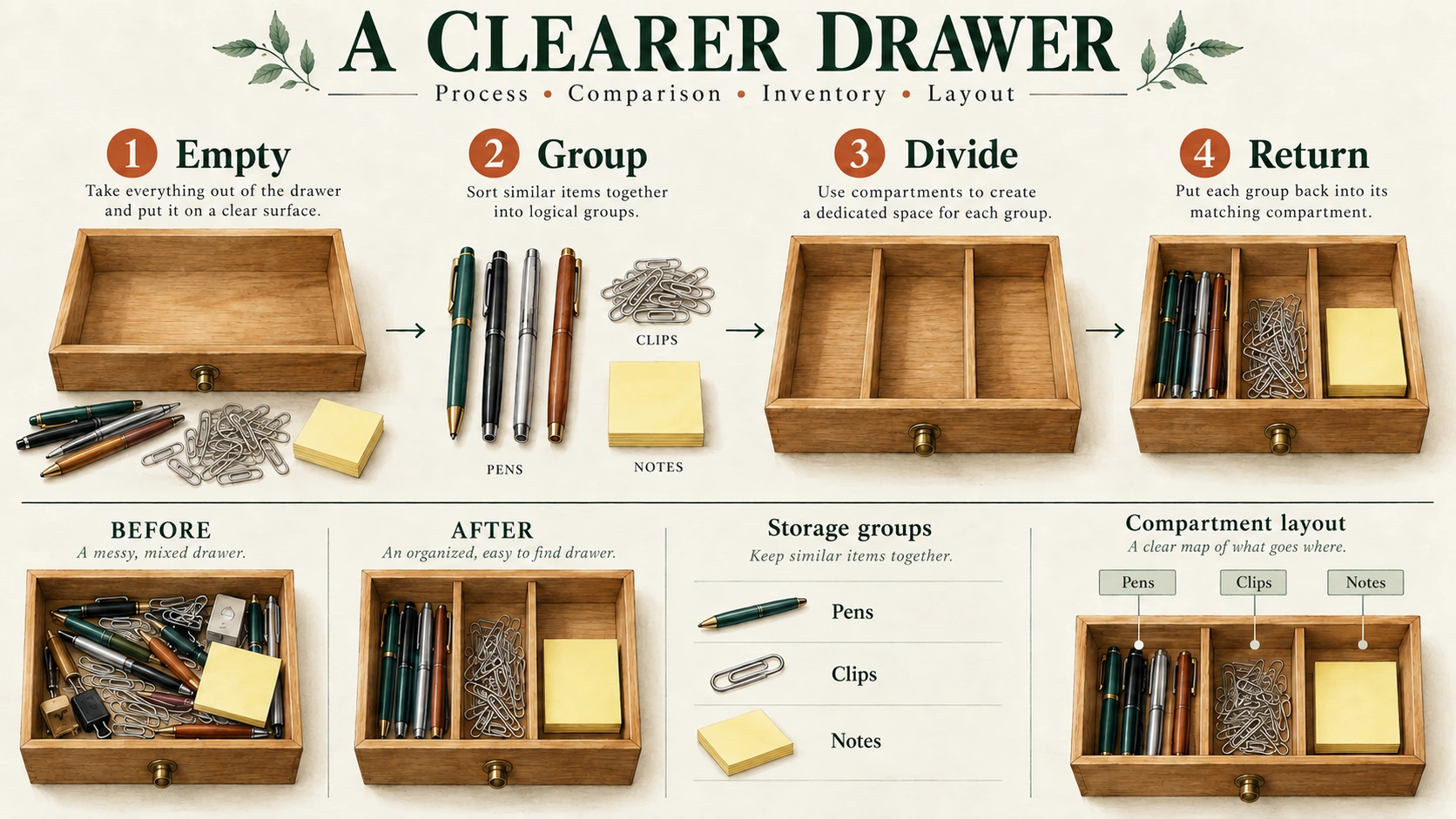
Tutorial2026/09/17
AI Meme Tools Infographic Guide: Accurate Text with GPT-Image-2
Plan an infographic with AI Meme Tools. Keep the process, labels, figures, and comparison rules explicit, then check the generated layout against the source.
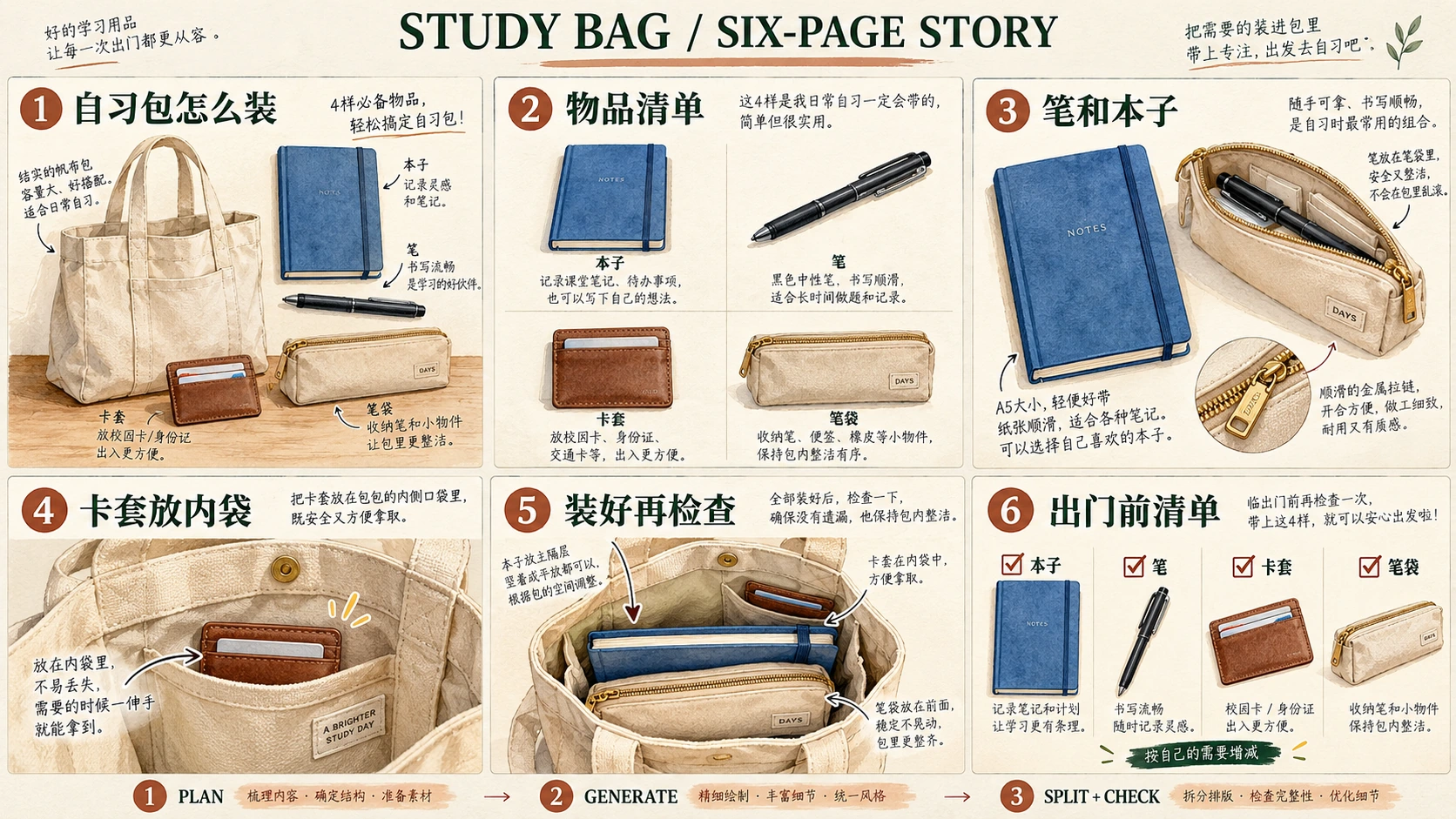
Tutorial2026/09/16
AI Meme Tools Xiaohongshu Guide: Six Pages with GPT-Image-2
Plan a Xiaohongshu grid post with AI Meme Tools. Check the copy, panel sequence, splits, and source dimensions before preparing the separate post images.
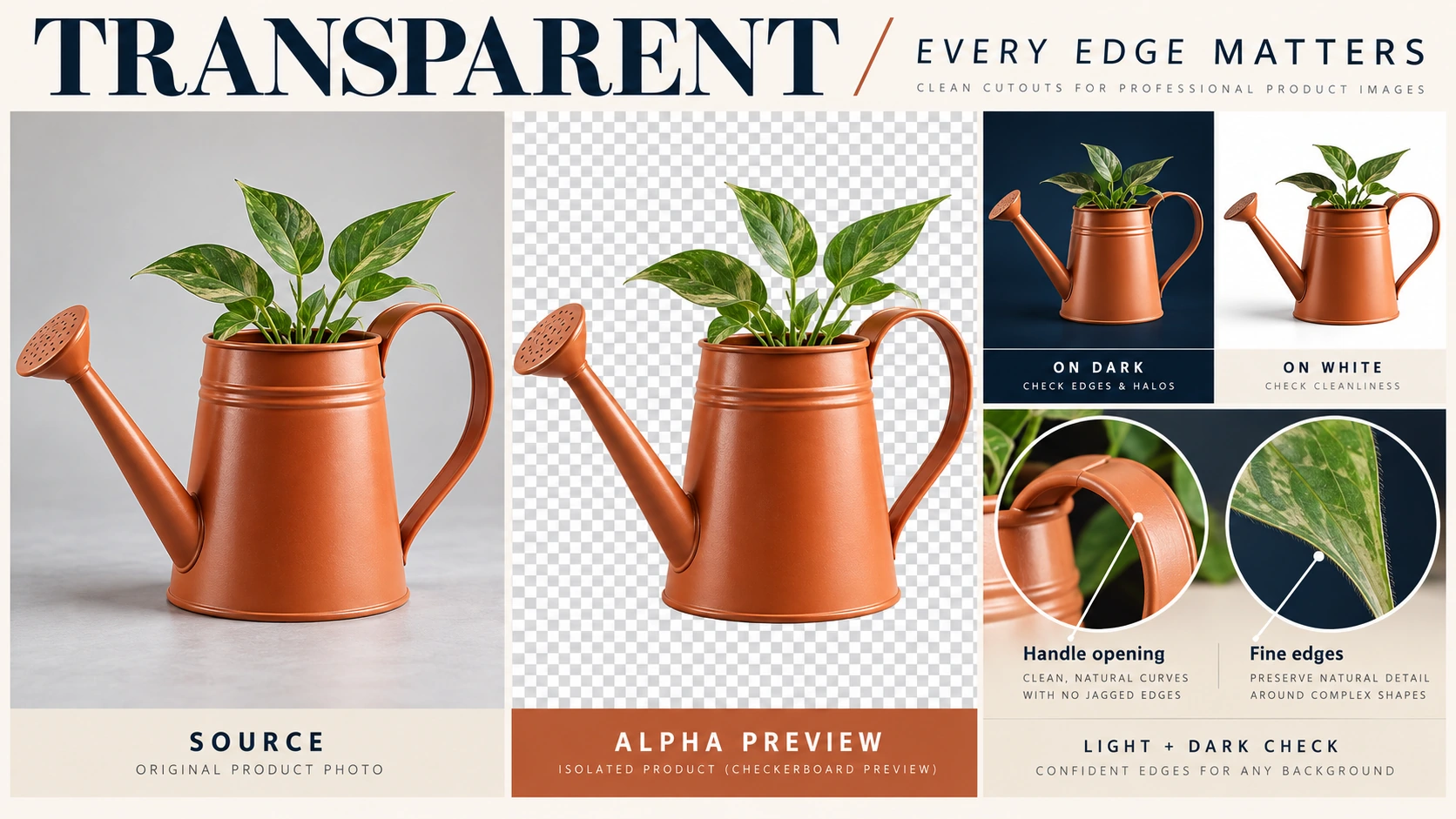
Tutorial2026/09/14
AI Meme Tools Transparent PNG Guide: Alpha and Edge Checks
Review transparent PNG preparation with AI Meme Tools. Inspect real alpha, edge quality, and export limits rather than treating a checkerboard picture as transparency.

Tutorial2026/09/12
AI Meme Tools Virtual Staging Guide with GPT-Image-2
Explore virtual staging with AI Meme Tools. Review room structure, furniture scale, and listing disclosures while keeping redesign concepts distinct from property facts.
Behind the scenes2026/09/11
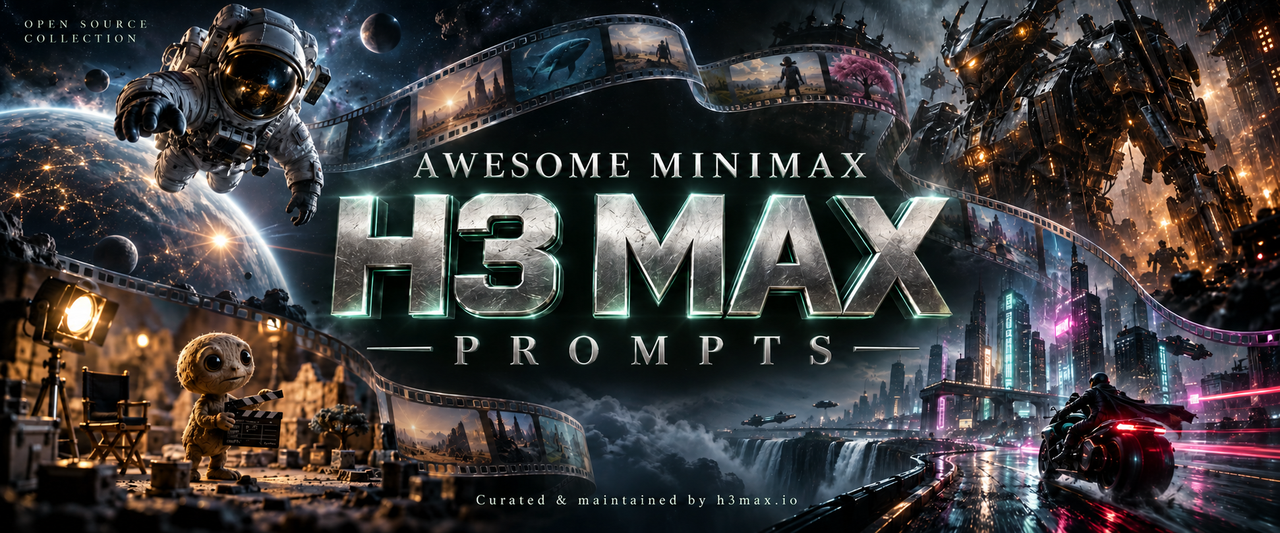
AI Meme Tools MiniMax H3 Max Prompts: Reference Collection Guide
Explore the MiniMax H3 Max prompt collection on AI Meme Tools. Understand its source clips, prompt records, model differences, and limits before trying an example.